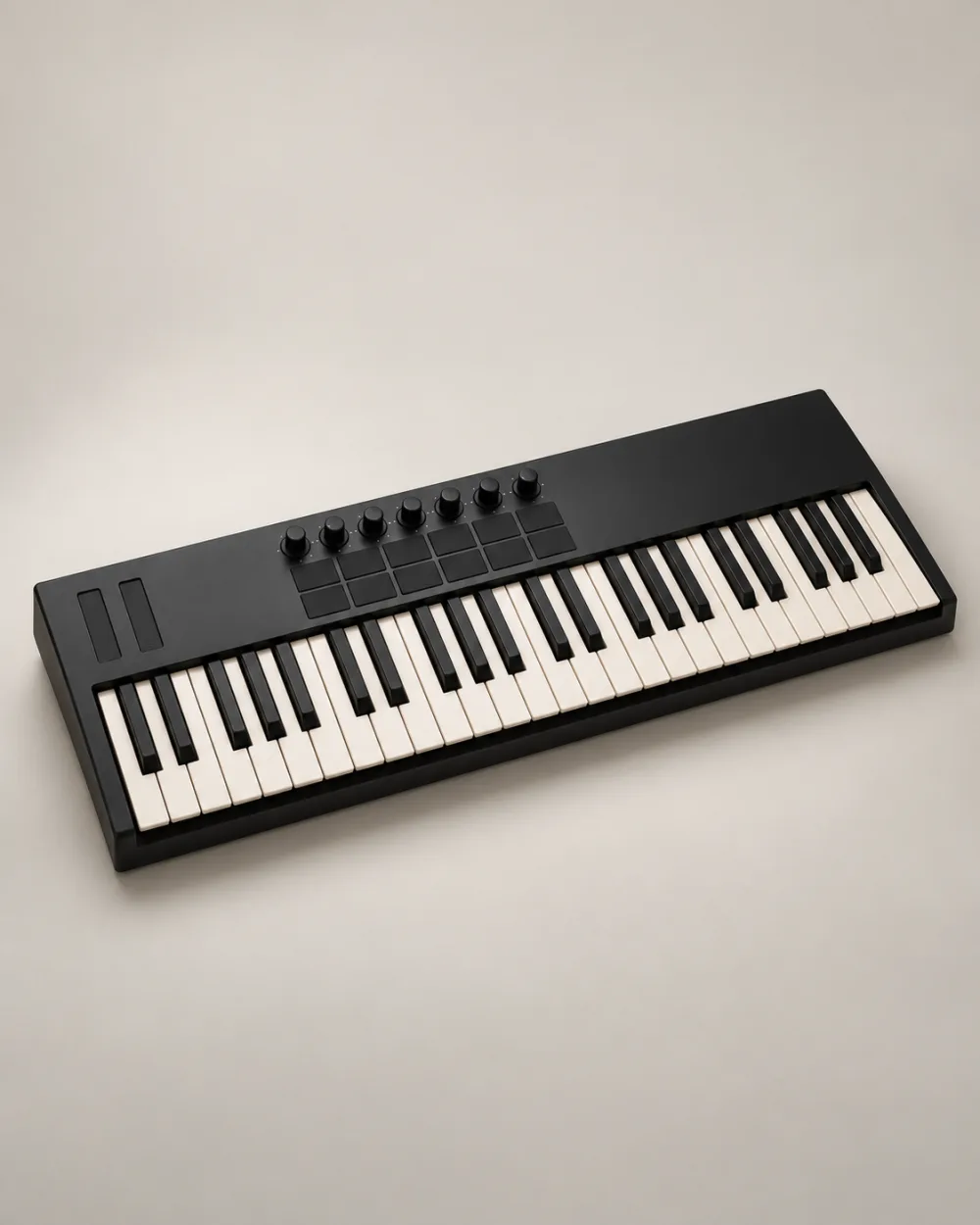
A MIDI keyboard can give a small desk a very musical purpose. The easiest first session is a simple one: one controller, one software instrument and an idea short enough to finish. Start there before building a project full of sounds.
Know where the sound comes from.
A MIDI controller sends performance information, such as which notes you play. MIDI itself is not audio. A controller without a built-in sound engine needs a software instrument or compatible external sound source to produce the sound you hear. Check your model’s manual rather than assuming every keyboard works the same way.
Make one clear connection.
Follow the controller’s setup instructions and open your music software. Select the controller as a MIDI input, create an instrument track and load a sound. Choose the intended audio output in the software too. If you can see MIDI activity but hear nothing, check the loaded instrument, track monitoring and audio output before adding more equipment.
Record something deliberately small.
Choose a sound that makes you want to keep playing. Try a four-bar idea using only a few notes. Record one pass without stopping to edit every mistake. Play it back and choose a single improvement, such as a clearer rhythm or a more intentional final note, before recording another pass.
Save a session you can return to.
- Give the project a name you will recognise.
- Keep the first version before experimenting with another instrument sound.
- Write a short note about the next musical step.
Once the basic setup works, repeat the same small idea with a contrasting sound. A soft piano and a bright synth may invite different choices even when the notes stay the same. Let that listening exercise guide the next session instead of trying to learn every feature at once.
Technical reference: Novation’s explanation of MIDI, instrument tracks and audio output. The musical exercise above is an original practice suggestion, not a model-specific setup procedure.